
Help and support
Step-by-step guides, explainer videos with a narrator and answers to common questions. You don’t need an account.
 AI-generated
Help for you
- MembersAccount, events, RSVPs, chats, fees, membership card and data protection.37 articles
- Parents and familyChild accounts, parental rights, consents and the family group.11 articles
- Club board and leadershipFound and set up a club, members, roles, events, finances, documents and data protection duties.64 articles
- AssociationsSub-units, verification, role inheritance, reports and evaluations.12 articles
- municipalitiesCity page, local clubs, local partners and visibility.6 articles
- Platform and operationsPlatform roles, moderation, payments, audit and operator duties.14 articles
Popular articles
- Create an account and confirm your email address
- Find clubs, groups and events (search, filters, map)
- RSVP: going, not going, waitlist and notes
- Create a child account for your child
- Create a club or association
- Create an event (recurrence, registration, spots, fee, visibility)
- File storage: folders, permissions, versions and storage space
- Invite members (invitation, link and QR code)
Explainer videos
All 23 videos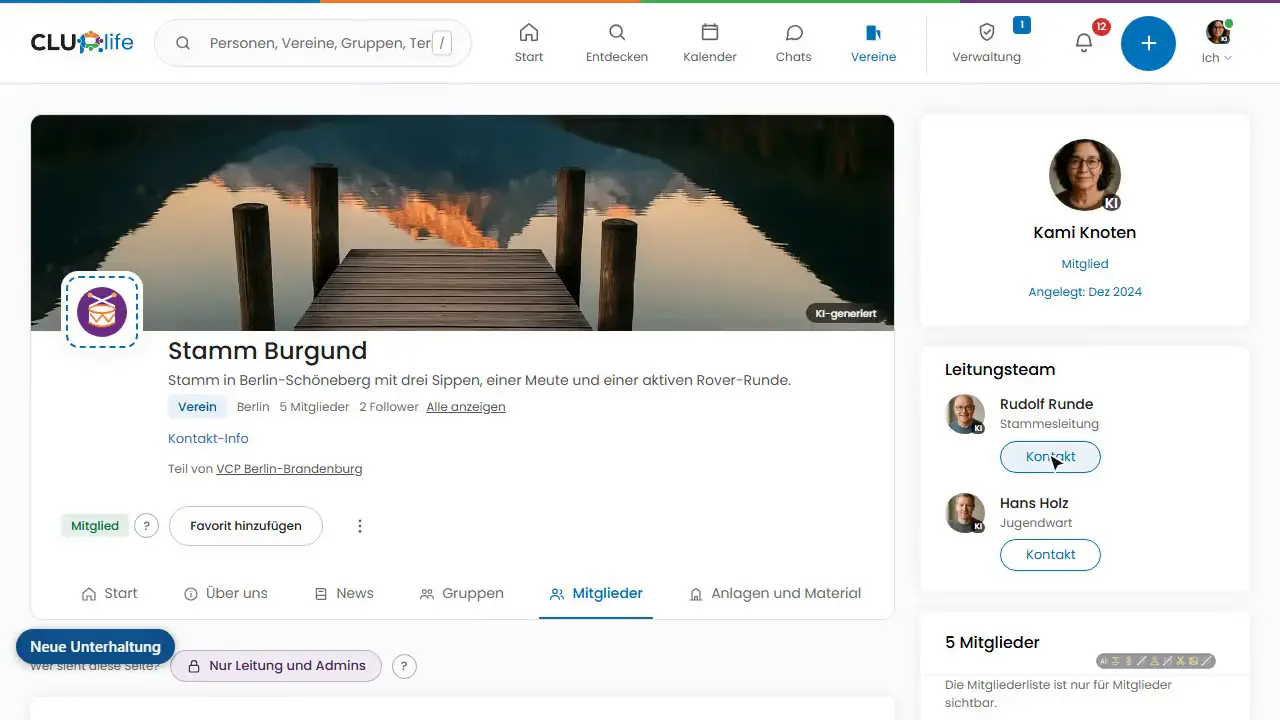
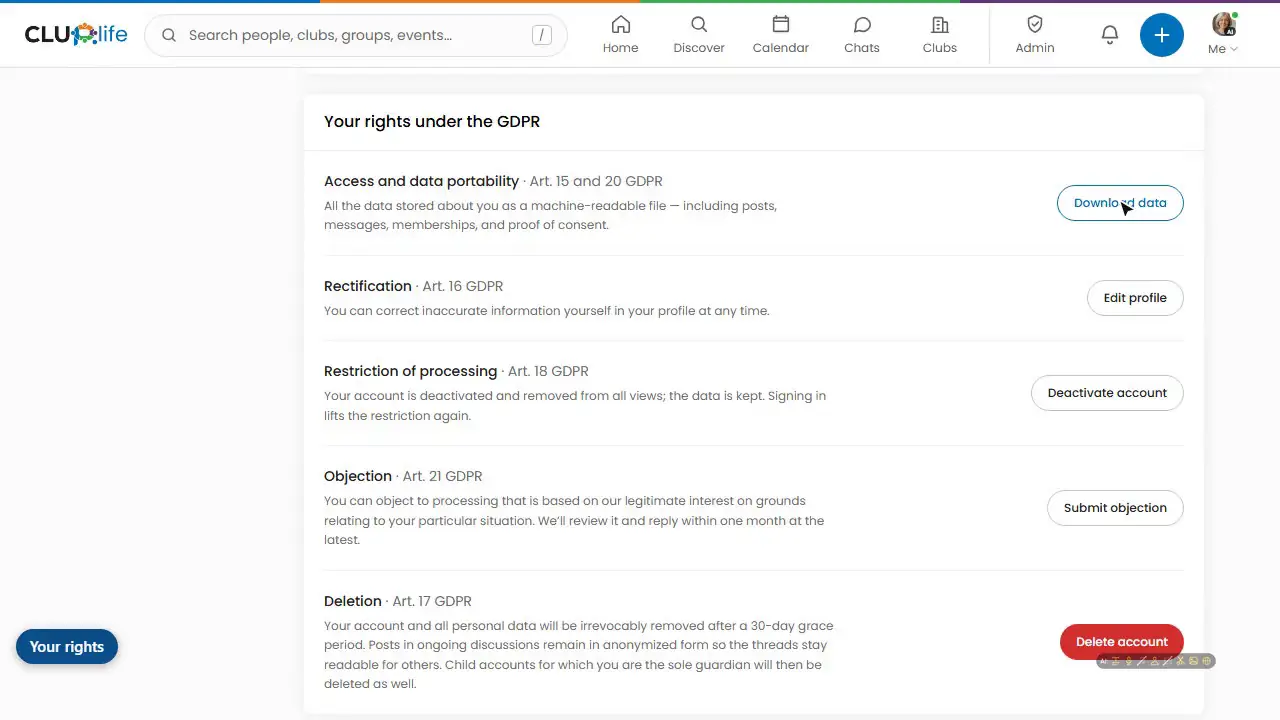
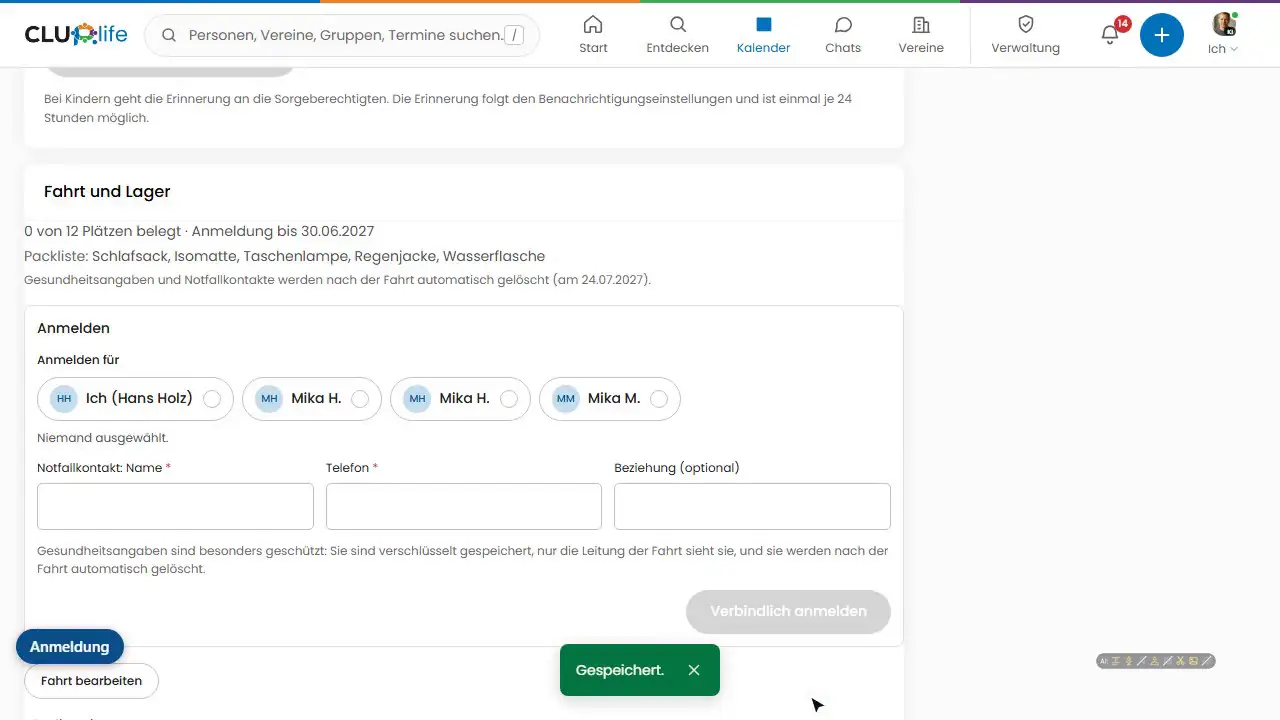
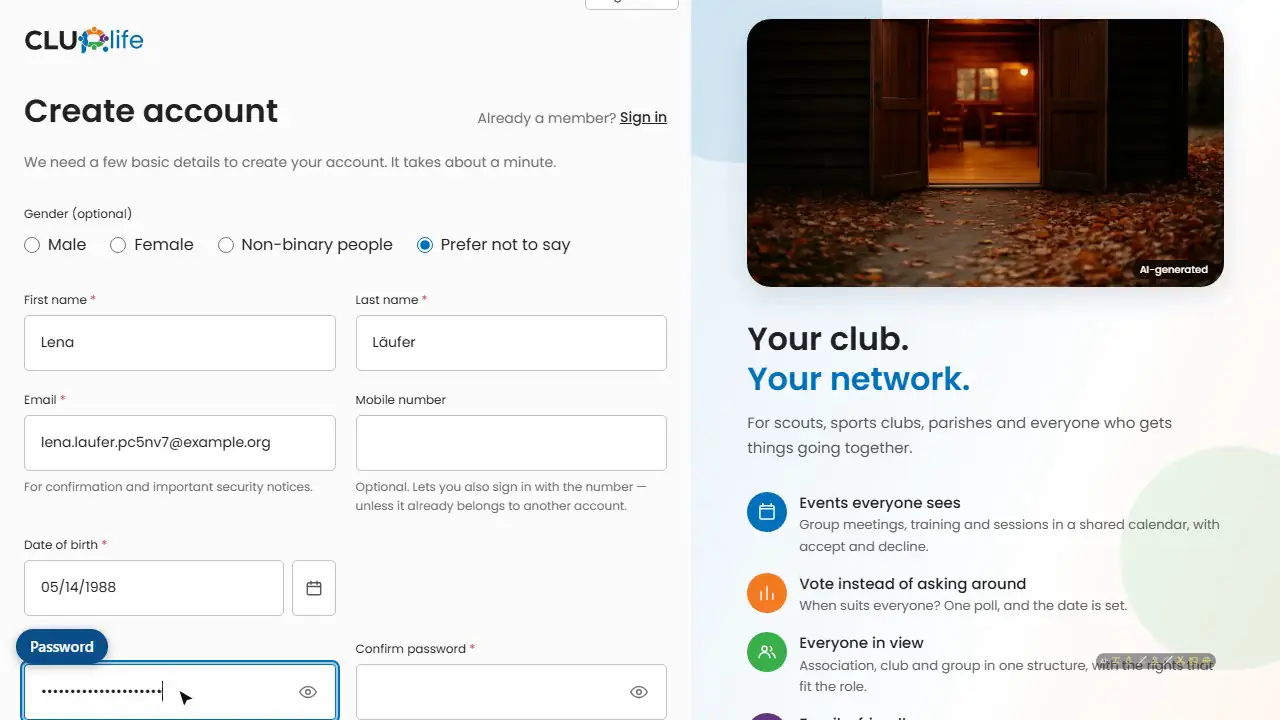
Common questions
All questionsWhat does CLUP.life cost?
The basic plan is free and complete: taking part, events, chats, security and the legal minimum functions of a club cost nothing. Convenience tools such as administrative automation or reports are optionally available as Premium for a small fee. Current prices are on the “Pricing” page.
Do I need an account to use the help center and the club search?
No. The help center, explainer videos, pricing, “What’s new” and the club search can be read without signing in. To take part (events, chats, joining) you need a free account.
The email verification code does not arrive. What can I do?
Check your spam folder and make sure the address was typed correctly when you registered. If that does not help, write to support with the topic “Account and sign-in”.
I forgot my password.
On the sign-in page choose “Forgot password” and enter the email address of your account. You will receive a link to reset it.
Can I secure my account further?
Yes: under “Settings → Security” you can set up two-factor sign-in and a passkey and save backup codes. For leadership roles in clubs, two-factor sign-in can be required.
Still have questions?
Support answers personally. Data protection requests and security reports have their own channels.
Nothing found? Write to support